All posts by Long Zheng

Video of XNA game running on Zune

One of the two big Microsoft news out of the Game Developers Conference today of course is the extension of XNA Game Studio to the Zune. It means now with one development framework and toolset, game developers can make the relatively simple transition between three platforms to publish their games on – the PC, XBOX 360 and the Zune.

You might have seen pictures on Engadget and Joystiq, but nothing beats full-motion video. Dan Fernandez has uploaded a short snippet of the Microsoft keynote with Chris Satchell showing off a game demo on the Zune. Debunking some of the fears it wouldn’t play well, the controls looks pretty intuitive and the graphic are smooth as well.

Live Messenger misleads users about 64-bit compatibility

Windows Live MessengerIn the small spectrum of software developers who writes compatible software with 64-bit versions of Windows, you’d expect Microsoft to be the last to drop the ball. Today, Microsoft’s Windows Live Messenger team did exactly just that and dropped compatibility for 64-bit versions of Windows XP and Windows Server 2003.

A reasonable person might be led to believe Windows Live Messenger 8.5 is somehow incompatible with those versions of Windows. Unfortunately, reason seems to be out of the equation.

As part of the automatic rollout of the final version of Messenger 8.5, Jura of the Windows Live Messenger team announced on the blog today,

A special note for those of you running Messenger 8.5 Beta on Windows XP 64-bit or Windows 2003 Server: the final version of Messenger 8.5 will not install or run on your OS. We don’t want you to get stuck out in the cold so you will not receive the mandatory upgrade to the final version. However, these operating systems won’t be supported by future Messenger versions.

It’s almost as if someone held a gun to their head to announce this because as a matter of fact, the final version of Messenger 8.5 does infact install and run on 64-bit XP and Server 2003 as proven by Rafael Rivera and Jonanthan Kay.

To be perfectly clear, the only hurdle prohibiting end-users from doing so is the custom installer application. All you need to do is avoid the custom installer and install the MSI file directly. No ‘hacking’ required.

I really don’t understand why they would lie about the software not installing or running on 64-bit XP and Server 2003. This is not even a matter of support. They could have outrightly said “we do not support these 64-bit operating systems”, but to say “it doesn’t work” is absolutely untrue.

They could have as well just said,

Thanks for beta-testing WLM 8.5 which installed and ran just fine on your 64-bit XP systems. Your efforts to improve the product, for the rest of us, is much appreciated.

Now it’s time to part ways – it’s not me, it’s you – and you should probably downgrade to the older and less featured but “stable” version of WLM. Trust us, the software doesn’t really work on your system. The cake 64-bit support was a lie.

Windows Live Messenger 8.5 remains compatible and supported on 64-bit versions of Windows Vista.

Going to MIX? Don’t have a clue what’s going on? Schedule Microsoft MIX08 with my Excel workbook.

MIX08For a design-orientated conference, Microsoft’s MIX08 event has one of the worst-designed session timetables/planners I’ve ever come across. The sessions are listed in no apparent order and doesn’t actually provide any methods to sort the list by title, time, place or focus just in case you have any sense of control.

If you wanted to see what’s on during a particular time-slot, nope, can’t do that. If you wanted to see what’s on in a particular room on a day, nope, can’t do that. If you wanted to plan a list of sessions you’re interested in to find any conflicts, nope, can’t do that.

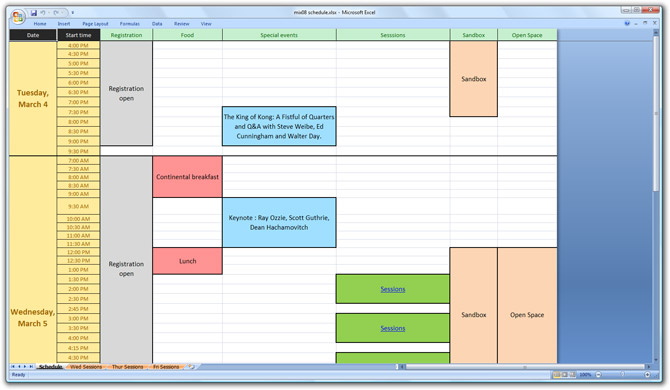
Because my time is so much less valuable than whomever designed that, I’ve taken the liberty to recompose the entire schedule in an Excel workbook to give some sense of time and place with what’s going on during the 3-day event with over 76 sessions in total.
MIX08 Schedule

First, I made an overview schedule of all the events and functions at MIX.
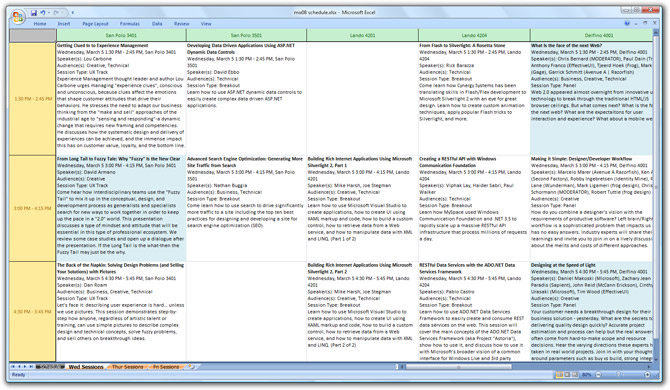
MIX08 Schedule

Then for each day, I compiled a detailed schedule of all the sessions that are happening that day columnized by which room it’s happening in.

Together with some nice colors, cell formatting and customized view options, if I may say so myself, I have designed a pretty damn good timetable.

What I’m going to do for myself is color highlight the sessions (cells) which I’m interested in attending so I have a clear picture of where I should be and when. Because I would feel so guilty being the only person at the event who actually has a clue what’s going on, I felt obliged to make available this Excel document for everyone else to download.

Download the schedule in Excel 2007 format (XLSX) here or the Excel 2000 format (XLS) here.

I’ll try to update the schedule when sessions time/place change. As a result of any errors in the schedule, I hold no responsibility if you end up in a LOLCat convention by mistake. But I’m sure you’ll fit right in.

Update (25/1): Added BlogZone opening and closing times to the overview.

Sneak peek: Microsoft Wireless Laser Keyboard 7000

One of the lesser known facts about wireless products is that they all have to tested by this little organization called the FCC, who for less obvious reason takes many photos of upcoming and sometimes unannounced products and puts them up on their (very hard to use) website.

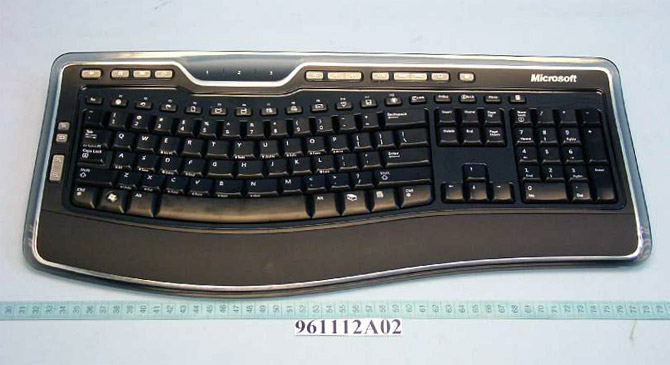
Microsoft Wireless Laser Keyboard 7000

What we have today is a (poorly lit) photo of Microsoft’s yet-to-be-announced Wireless Laser Keyboard 7000, the keyboard compliment to the recently announced Wireless Laser Mouse 7000. Ironically that too was uncovered early via FCC documentations.

This particular photo along with a batch of other external photos were only released recently due to a 45-days short-term confidentially agreement between Microsoft and the FCC in order to “ensure sensitive business information remains confidential until the actual marketing of the device”. Guess Microsoft’s falling a little behind on their marketing schedules.

What’s unique about this keyboard is the transparent glass frame surrounding the entire keyboard – an obvious harmony with the Windows Vista user interface, Aero Glass. Perhaps slightly inspired by Carbon Design’s Longhorn PC concepts featuring the same glass frame around the keyboard. In addition, it appears to be also the first keyboard on the market with a dedicated Flip 3D key (besides the right ALT key). Whether or not that makes the eye-candy feature any more useful was outside of the FCC’s testing criteria.

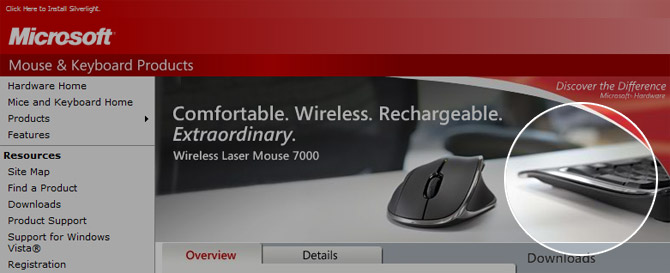
And if for some reason you don’t believe me, you only need to look as far as Microsoft’s own website for proof.

wirelesslaser7000_microsoft.jpg

Can’t wait to see the proper high-resolution marketing photos of this product in a well-lit environment, sitting on a desk inside a room furnished by IKEA and used by over-excited people representing all skin colors and genders.

Visual Studio 2008 lineup boxshots

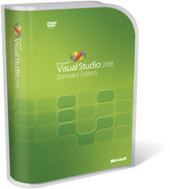
vs2008_standard.jpg
Visual Studio 2008 Standard Edition
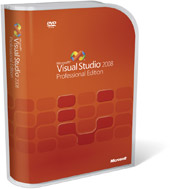
vs2008_professional.jpg
Visual Studio 2008 Professional Edition
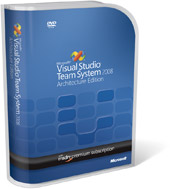
vs2008_architecture.jpg
Visual Studio Team System 2008 Architecture Edition
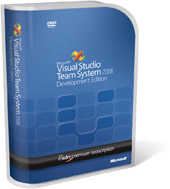
vs2008_development.jpg
Visual Studio Team System 2008 Development Edition
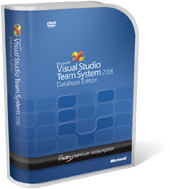
vs2008_database.jpg
Visual Studio Team System 2008 Database Edition
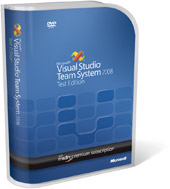
vs2008_test.jpg
Visual Studio Team System 2008 Test Edition
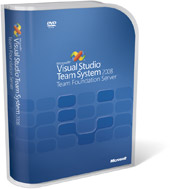
vs2008_teamfoundation.jpg
Visual Studio Team System 2008 Team Foundation Server
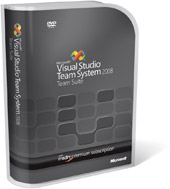
vs2008_teamsuite.jpg
Visual Studio Team System 2008 Team Suite
 

Whilst looking through DreamSpark, I noticed a boxshot for Visual Studio 2008 Professional Edition and thought “that looks pretty cool”. Then I realized that’s because I’ve never seen it before. Perhaps they have been published for a while now and I just missed it. Nevertheless, here they are with all the flavors of Visual Studio 2008 for you to enjoy, that is if you have a fetish for software packaging as much as I do. Shame they’re in such low resolution though.

Students can has free Microsoft dev software.
O rly? Ya rly.

Microsoft DreamSpeakNo other company comes to mind that treats students as well as Microsoft. You only need to look at initiatives such MSDN Academic Alliance – where students can obtain Microsoft software for free for non-commercial use, and The Ultimate Steal (It’s Not Cheating) – the $60 Office 2007 Ultimate offer for students to appreciate their generosity. Others like Adobe and Apple offer marginal discounts for academics, but nothing close to these.

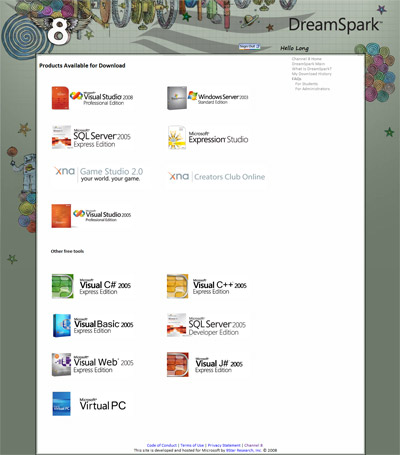
Today, Microsoft’s evangelism team has announced a new offer called “DreamSpark” where all post-secondary students from any specialization can acquire a range of professional-edition development and design software from Microsoft at a cost of only a few clicks and minutes. The catch is that students will need to verify their identity at their institutions and not all institutions have an identity system set up, but that’s only a matter of time before they should and would.

Whilst there might seem like an overlap between DreamSpark and MSDNAA, the difference is that MSDNAA requires involvement from the school and it also costs them money I believe. This offer, whilst still requires education providers to set up a system to verify identities of their students, allows students to go directly to Microsoft whether or not their schools are MSDNAA subscribers or not, which a surprisingly large number are not. MSDNAA also offers client operating systems where DreamSpark does not.

The range of softwares available currently include:

The offer is currently only available to institutions from Belgium, China, Finland, France, Germany, Spain, Sweden, Switzerland, United Kingdom. and United States. If your country, like Australia, isn’t listed, it doesn’t mean it’s not available there, it just means no institutions have provided an identity verification system to Microsoft yet. If your school isn’t listed, start spamming your school’s IT department with the previous link.

Obviously Microsoft recognizes the ease of acquiring pirated software in a school environment and are taking innovative yet rational steps not to punish those who are acquiring Microsoft software as students, but providing them with alternative and cheaper methods of doing so that’s within the law. Of course, it also makes sense from a marketing point of view to get kids hooked on these drugs, I mean software, at an early age. As a student, kudos to them.