For everyone who hasn’t seen Boku before, this is a Microsoft Research developed game for the XBOX 360 (and presumably PC too) aimed at kids to teach them about programming via a entertaining and casual manner.
The last time this was shown was at TechFest in 2007 where it was still in pre-beta. Today at the last keynote of PDC 2008, Boku was shown again in a more advanced state. It looks several folds better and seemed to be a lot of fun. Check out this gallery of screenshots I took.
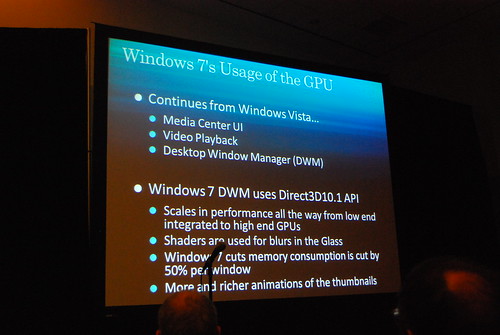
Because Windows 7 can take better advantage of the GPU and uses the Direct3D 10.1 API, it is able to reduce reduce memory consumption (in the graphics system) by 50% per each window rendered. On top of that, this is also what enables the much richer animation and styling of the interface like the “color hot-track” feature. Pretty cool huh.
You may not know it, but you are very likely to be using a high dots-per-inch (DPI) display today, especially if you use a laptop smaller than 15-inches. The fact is, if you use Windows XP, or even Windows Vista, you are actually not getting the most out of your monitor. If you have to squint or lower the resolution then you know what I’m talking about.
Starting with Windows 7, you will not have to worry about this issue. Building on top of the improvements already made to support high DPIs in Windows Vista, Windows 7 is set to make changing DPIs as intuitive and as “safe” as changing resolutions. Just to take it one step further, Windows 7 will even choose the most appropriate DPI for you when you install.
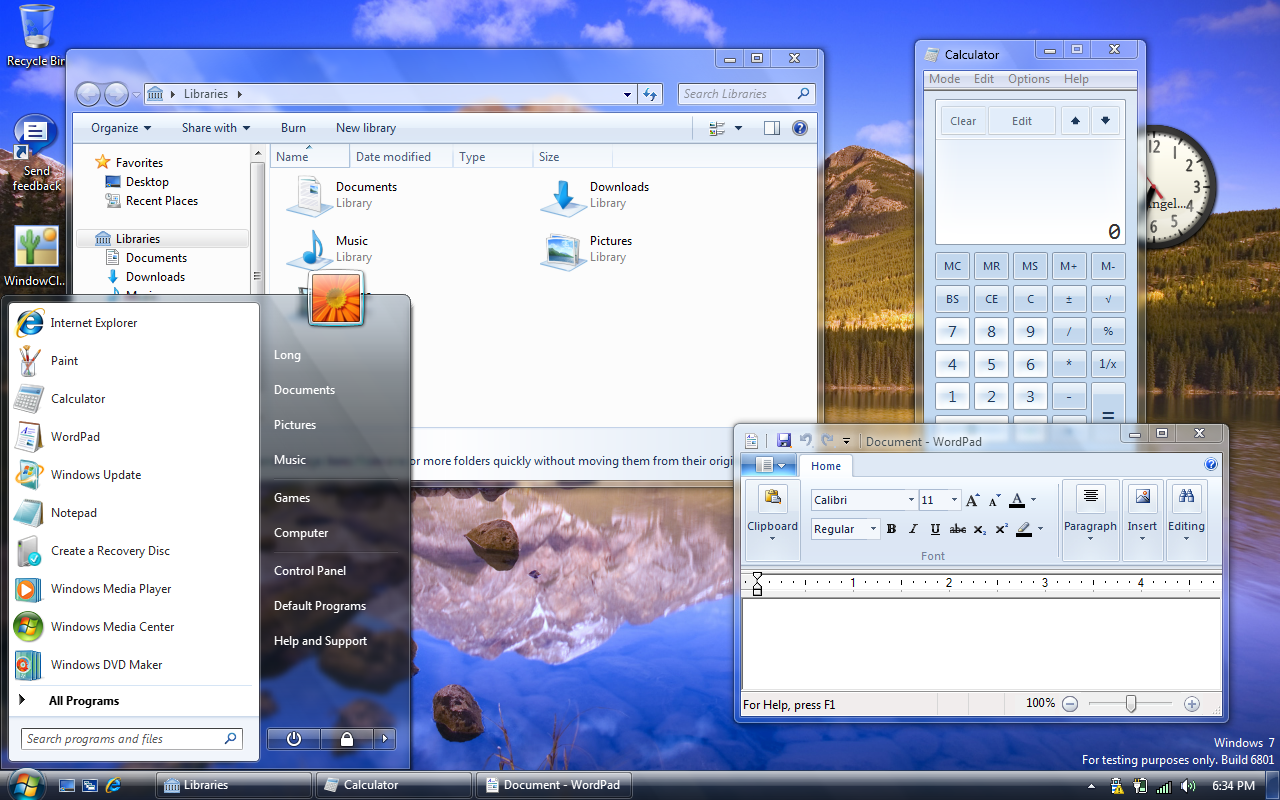
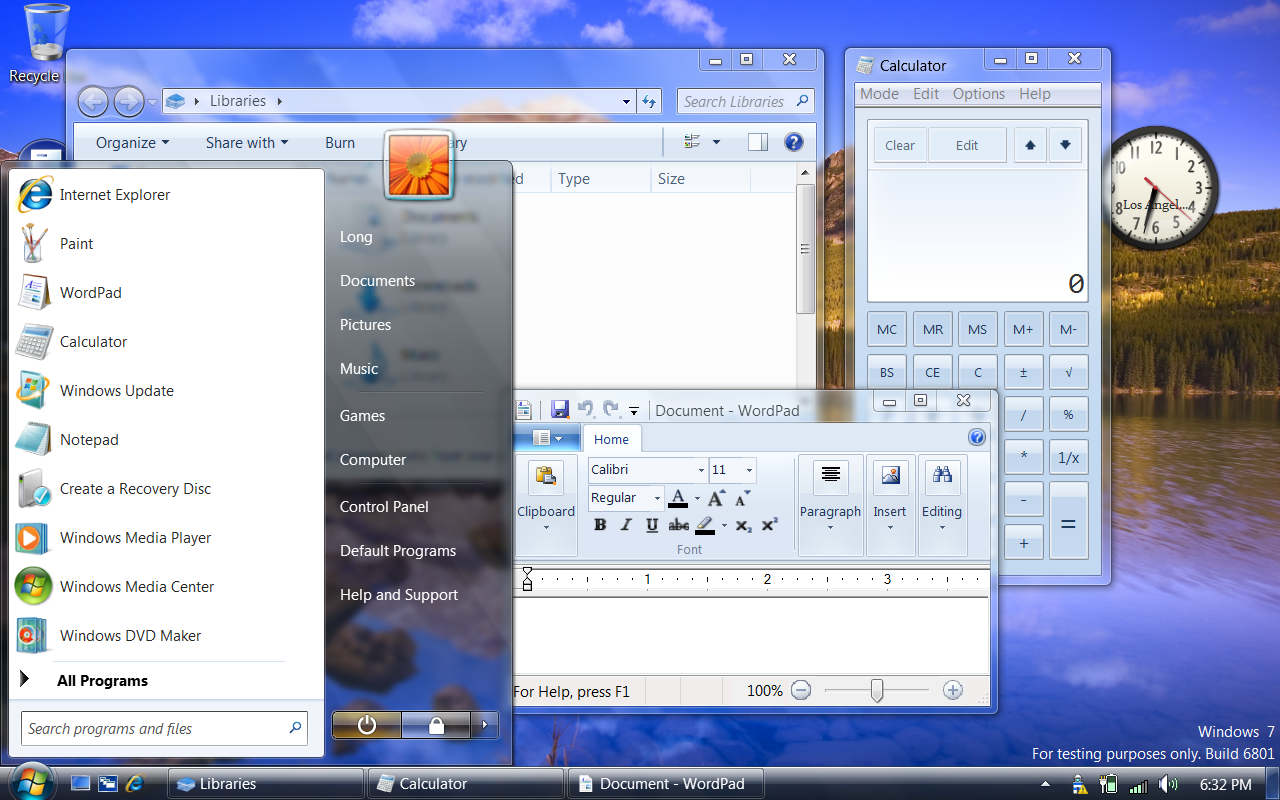
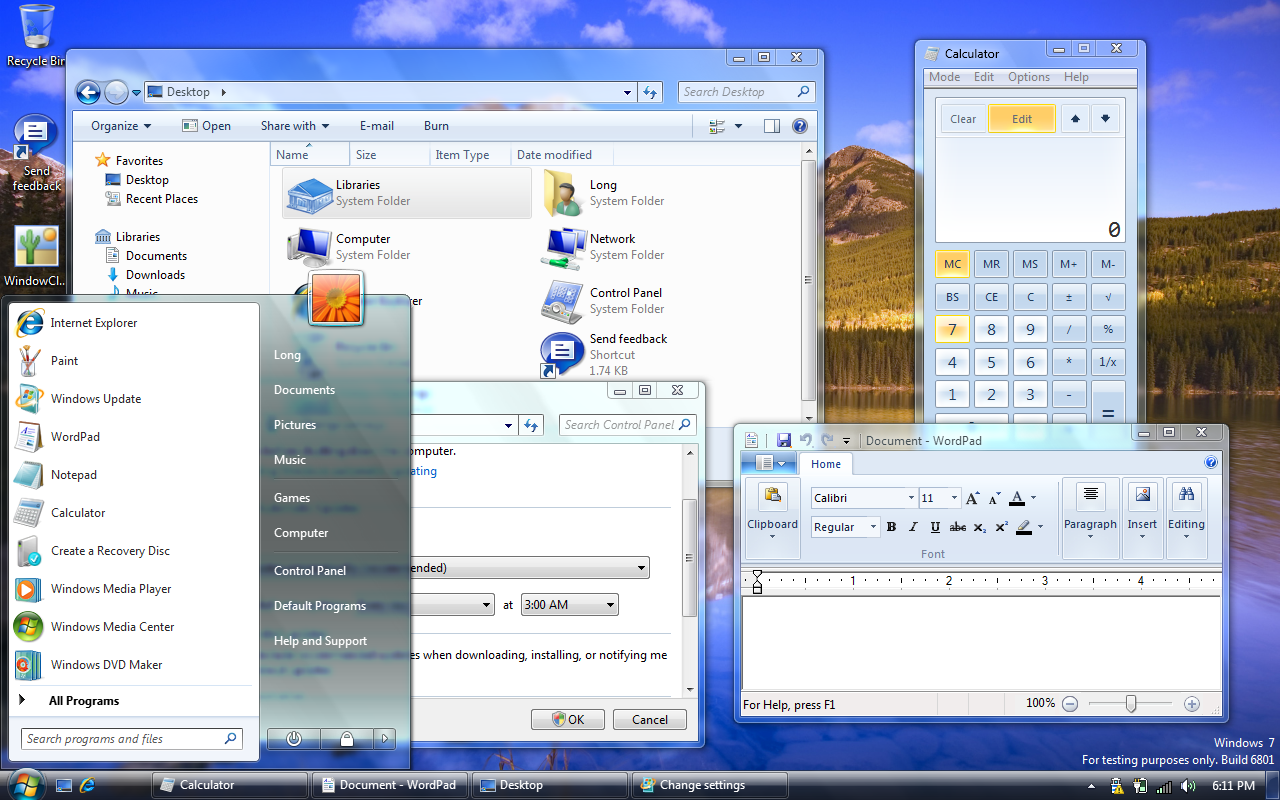
You know how high DPIs look in Windows Vista, so how does it look in Windows 7? Well I’ve compiled this set of screenshots again to show you exactly that.
96 DPI (100%)
120 DPI (125%)
144 DPI (150%)
192 DPI (200%)
As you can see, the support for high DPIs in Windows 7 is pretty remarkable. Common issues with high DPI – clipped text, layout issues, pixelated bitmaps and incorrect font sizes have been addressed very well. In fact, the system is so advanced now you can even change DPIs just by logging out and back in, whereas you had to restart before. Personally, I’m convinced I will be using the non-default DPI of 120dpi (125%) when 7 ships. I’ll let you judge for yourself.
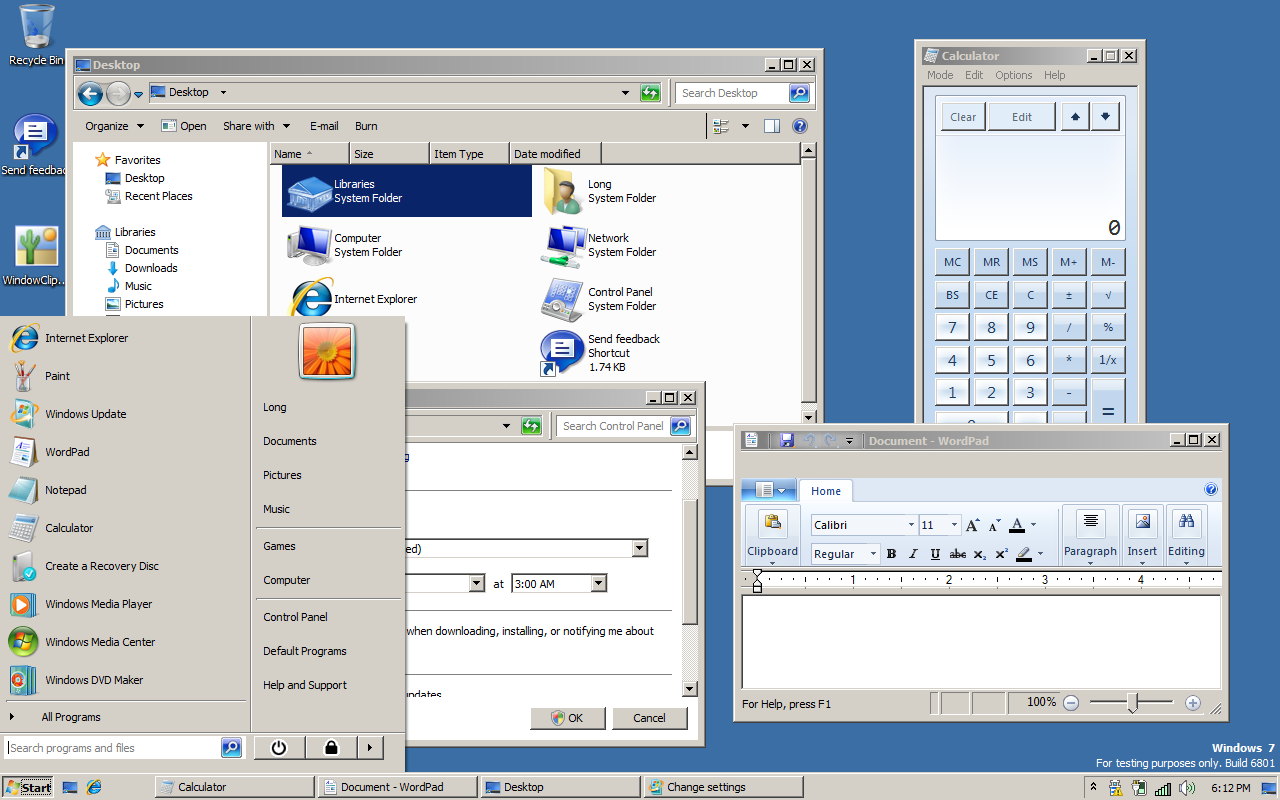
It’s ironic one of the first things people still ask when a new version of Windows is released is “how does Windows Classic look”. You know who you are, and I won’t ask why or try to convince you why you’d be better off with Aero in terms of performance, stability and productivity, but here’s how the different tiers of UI looks in Windows 7 M3 6801.
If you liked what you saw at the PDC08 Windows 7 keynote in terms of the user experience of Windows 7’s shell and taskbar, then get ready for more since what Sinofsky and Julie-Larson Green showed off is not all that’s on offer. Sitting in the session by Chaitanya Sareen titled “Welcome to the Windows 7 desktop“, a number of new features were shown off.
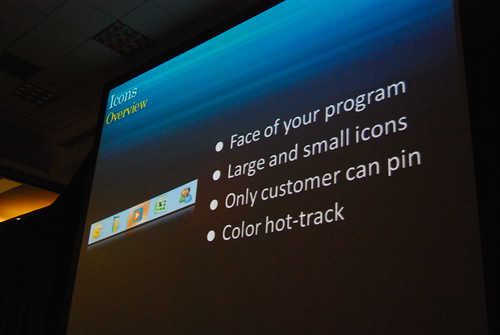
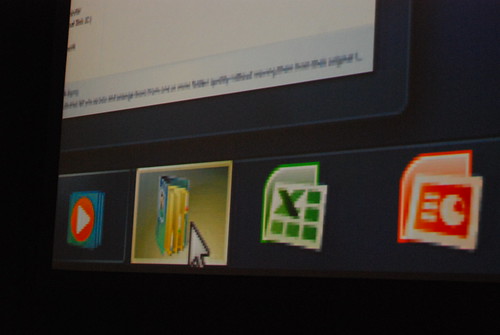
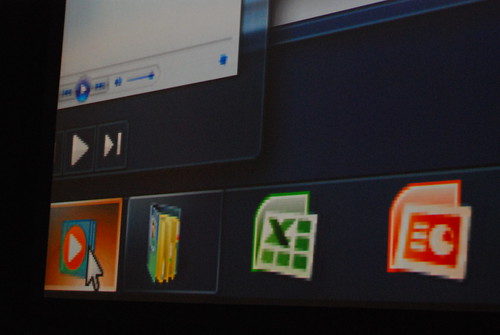
One of these new features is “color hot-track” for the Windows 7 superbar. Let me show you first before explaining what they are and why I think this is cool.
When hovering over the icons in the taskbar, the color highlight of the “glass” button is actually different from application to application. How it works is dynamically abstracting the color values of the application icon to find the most dominant RGB value. Besides the obvious eye-candy, this feature delivers some sentimental value by making it easy to identify applications by color.
This is exciting, not because of the feature, but because the fact that something like this is there. If something like has been thought of and implemented at this point in time, then imagine what’s coming in 12 months. As a sign of even greater attention to detail, the “highlight” glow even moves around with your cursor.
I'm a person and stuff. Mostly person, sometimes stuff. Proud introvert.
I make/made stuff people love to use: MyPal: unofficial Melbourne myki mobile app, Omny Studio: enterprise podcast hosting, PTVGlass: Melbourne bus, tram & train timetable on Google Glass, Map2Glass: type and send addresses to Google Glass, SoundGecko: text-to-speech web reader, ChevronWP7: Windows Phone community unlocking, MetroTwit: Twitter app for Windows, Speedo Plus: Windows Phone GPS app, Bing Image Archive: browse daily backgrounds and Windows UI Taskforce: crowdsourced bug tracker.
 For everyone who hasn’t seen Boku before, this is a Microsoft Research developed game for the XBOX 360 (and presumably PC too) aimed at kids to teach them about programming via a entertaining and casual manner.