All posts by Long Zheng

MIX11: Surface 2.0 continues the Metro trend

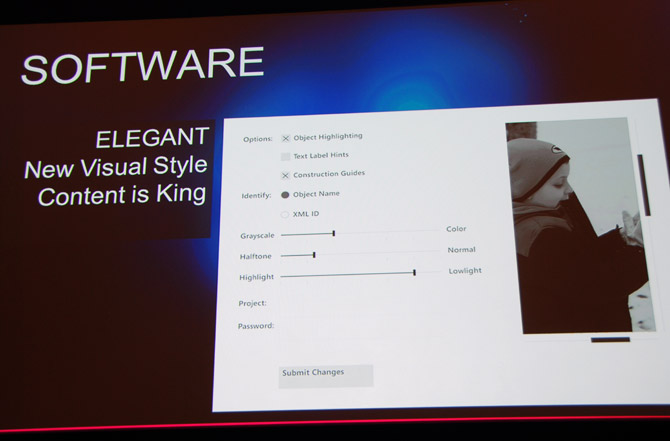
At the MIX11 conference today, Microsoft showed off a number of new user-interface controls for the upcoming Surface 2.0 SDK with hints of Metro, further cementing the “design language” as an universal design style spanning many Microsoft products moving forward.

The presenter, Luis Cabrera, from the Surface team specifically mentioned “Windows Phone 7′ and the “Zune software” as inspirations for the refreshed set of UI controls for developers to use with the new Surface. Although they are not cross-compatible with either WPF or Silverlight controls, the controls are styled in a way that is very consistent with Windows Phone 7, obviously larger.
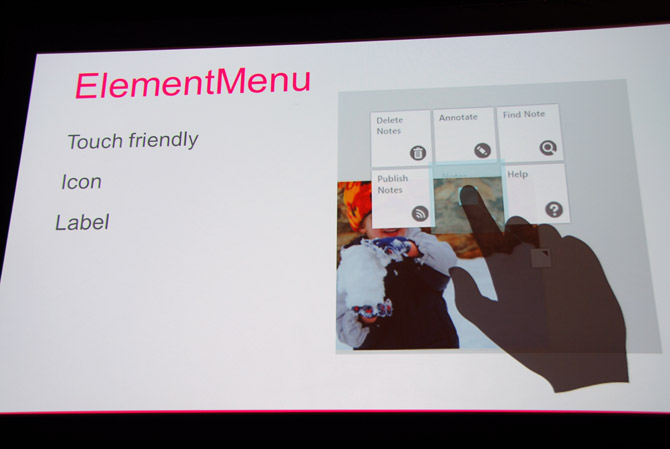
One interesting control of note is the “ElementMenu” which is the context-menu equivalent on a Surface. Previously, this control was presented in a radial manner with each option branching out from the central point. The new ElementMenu presents options in rectangular blocks surrounding the contact point, appearing very similar to WP7 tiles.
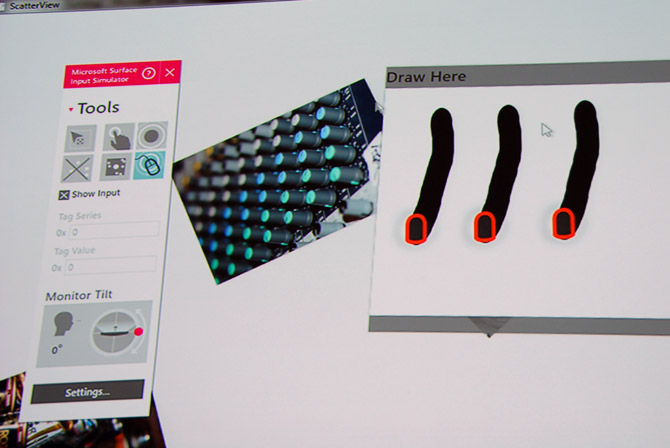
Furthermore, a new tool for Surface developers, the “input simulator” is also very Metro. The tool will intuitively allow developers to simulate multi-touch interactions with just a single mouse. From the reception by developers in the session, it’s a very welcomed addition.

The new Surface 2.0 SDK will be available in summer of 2011.
MIX11: Microsoft demos Kinect SDK with WorldWide Telescope

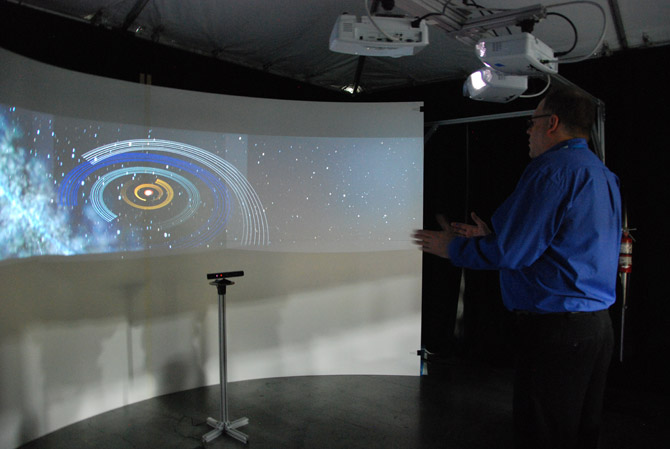
Ahead of its imminent release tomorrow, Microsoft today gave a sneak peek of what might be possible with the official Kinect SDK at the MIX11 conference with a brief demo of a new version of the WorldWide Telescope.

The demo involves navigating the imaged universe on the WorldWide Telescope software with gestures controlled by both hands including zooming, rotating and panning. Although the gestures were fairly simple, the demo was still impressive how accurate and smooth it was, considering how twitchy gesture-based applications usually are.

One interesting aspect to note is the use-scenario this demo portrays. That is, even with the Kinect SDK on Windows, it appears to be still a 10-foot experience, not waving arms at a desk.

In addition, although WorldWide Telescope isn’t a particularly intensive application, the Kinect seems to run as smooth on Windows as the XBOX 360 even with its high processing requirements.

Tomorrow at the second MIX11 keynote, Microsoft is expected to release the research-version of the Kinect SDK, free for tinkerers and personal use, with the commercially licensed version further down the road.

MIX11: Windows Phone 7 app wall

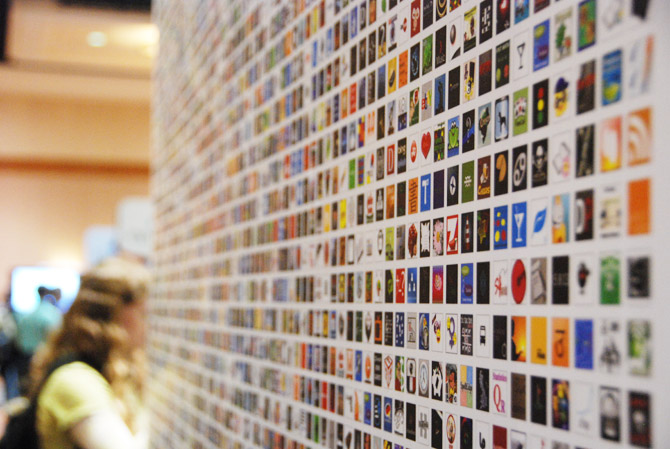
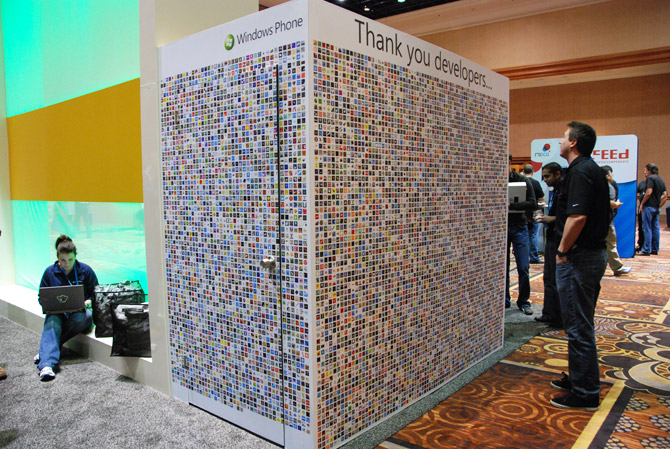
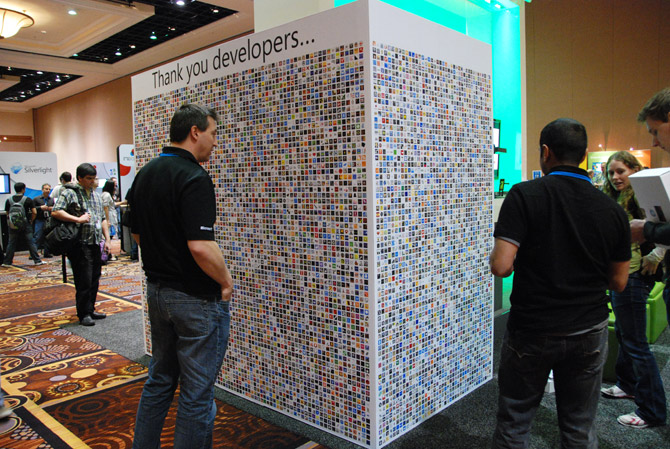
Microsoft took the liberty at MIX11 conference today to honor the work of Windows Phone 7 application developers today with an “app wall”, or to be more precise three walls, to showcase the number of applications in the Marketplace.

Undeniably inspired by Apple’s App Wall from WWDC 2009, Microsoft covered three walls of a cubicle (although it might be hiding a surprise for tomorrow) next to the Windows Phone booth in the “Commons” exhibition hall with a print of thousands of icons from apps on the Marketplace.

Obviously a static image is not nearly as cool as an interactive visualization that animates when someone actually purchases an application, developers were visibly just as much excited spotting their own application.

Update: Developers at home can check out some of my higher resolution images to find their own applications, #1 #2, good luck.

MIX11 group liveblog: day 1 keynote

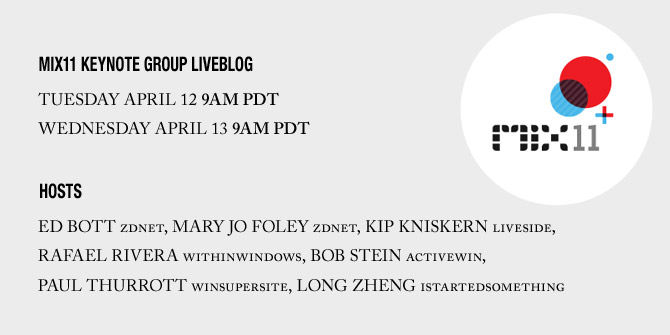
Hi, welcome to day 1 of the MIX11 keynotes group liveblog with Ed Bott, Mary Jo Foley, Kip Kniskern, Rafael Rivera, Bob Stein, Paul Thurrott and I.

Today’s keynoter is Dean Hachamovitch, Microsoft corporate vice president for Internet Explorer, and the keynote is rumored to be largely focused on Internet Explorer where I’m expecting a wrap-up from the post-IE9 launch and a sneak peek at the future of Internet Explorer.

MIX11 keynotes group liveblog: mark your calendar

To kick off another exciting year of annual Microsoft conferences, MIX11 is happening next week in Las Vegas and I’ll be there along with a cast of your favorite Microsoft bloggers to group liveblog the two keynotes during the event.

Join Ed Bott, Mary Jo Foley, Kip Kniskern, Rafael Rivera, Bob Stein, Paul Thurrott and I in what is always a fun and interesting conversation about the announcements and sometimes pre-show entertainment (contrary to rumors, I will not be making a ball juggling cameo this year).

It’s expected this year’s keynotes will be rather exciting with announcements surrounding HTML5/Internet Explorer, Windows Phone 7, Kinect, Silverlight and maybe even a dew drop of Windows 8.

Be sure to wake up early/stay up late on both Tuesday the 12th and Wednesday the 13th at 9am Pacific Daylight Time (check your local times here) to catch it live. Alternatively, download the ICAL here.

Disclaimer: I am attending MIX11 as a guest of Microsoft Australia.

Windows 8 to feature native SmartScreen file checking

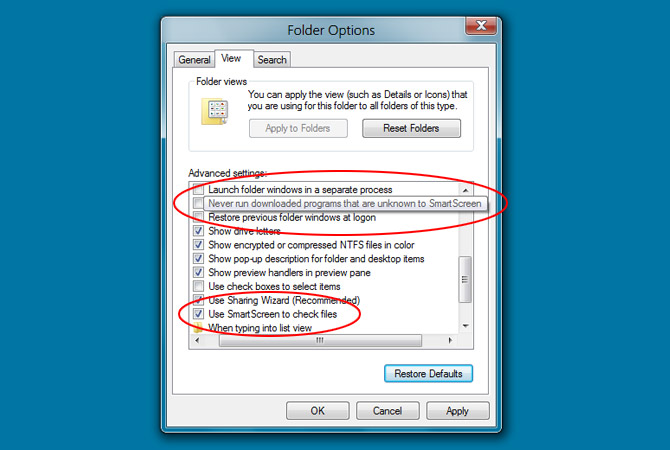
As Microsoft anticipates a richer “apps” ecosystem for Windows 8, they appear to be taking some extra steps to shield users from malicious applications with the introduction of an in-built file verification policy powered by the SmartScreen Filter.

Originally a feature from Internet Explorer but now also (annoyingly) integrated in Windows Live Messenger 2011, SmartScreen is practically a dynamic list of known “illegal, viral, fraudulent, or malicious” URLs that Microsoft manually or algorithmally identifies. It uses this list to compare the link or executes a user visits or downloads, warning if there’s a match.

Although it’s been proven highly effective to prevent socially engineered malware, it’s also subject to false positives which frustrates developers to “clear their name”.

In Windows 8, SmartScreen appears to serve two purposes – to reactively check the file system and proactively prevent any downloaded applications from running that are unknown to the filter. Unfortunately I haven’t been able to trigger it so I don’t know exactly how it responds but I presume not unlike a security warning. Having said that, it’s comforting to know the feature can also be disabled for the brave.

This addition mechanism adds to a growing list of security-centric features and tools including but not limited to digital signing, User Account Control, Windows Defender and Security Essentials that Microsoft is building into Windows or making available for free. A win for users of course.

Update: To clarify, the “never run programs” options is not on by default.